Your identity
Start with your logo, colors, and words. Agree how your brand appears across the selected public resources, care app, and team workspace.
For care organizations
Bring public resources, a branded care app, and a team workspace together around the people you serve. Choose a useful starting point, bring your knowledge, and agree how the experience connects with your organization’s work.

A closer look
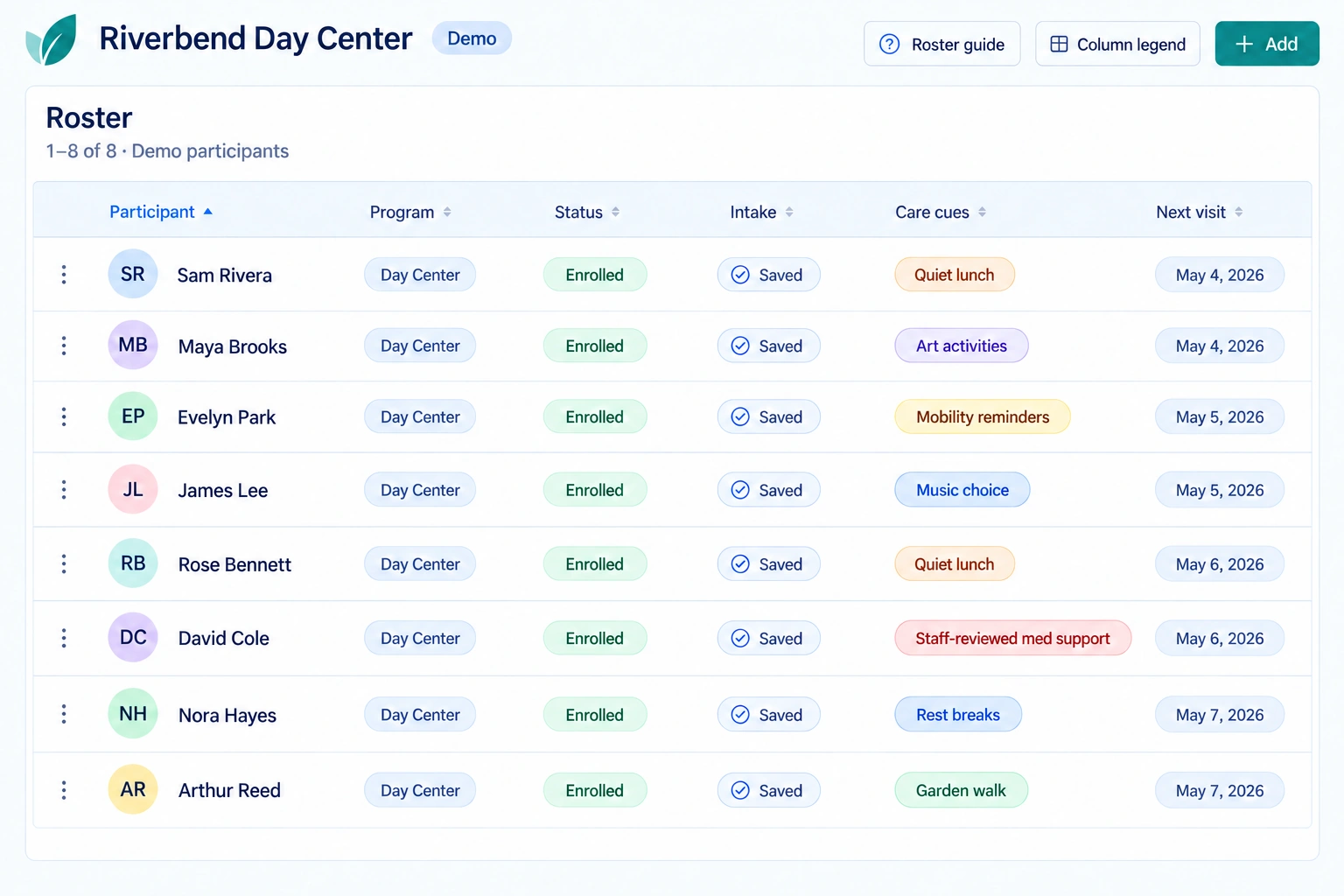
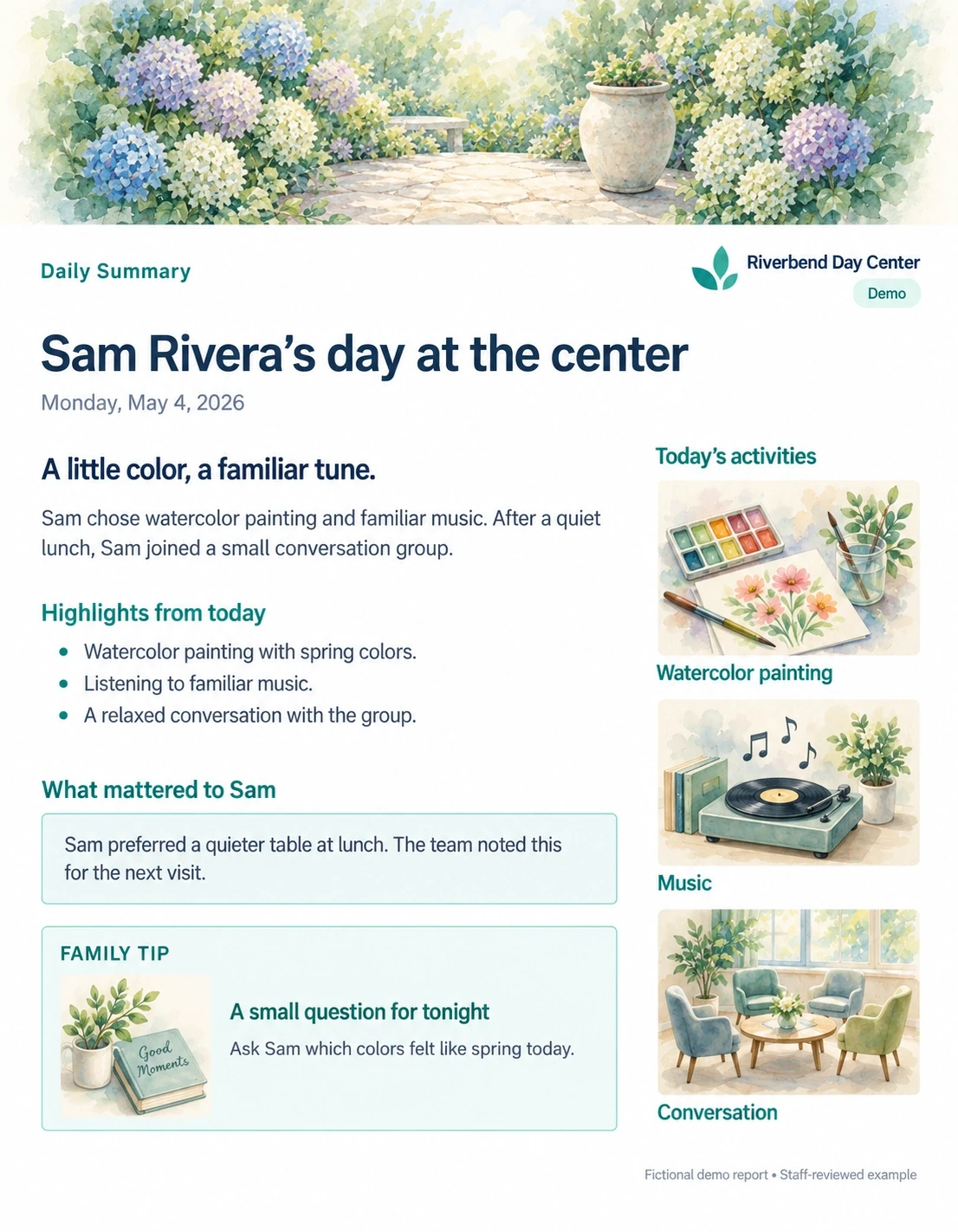
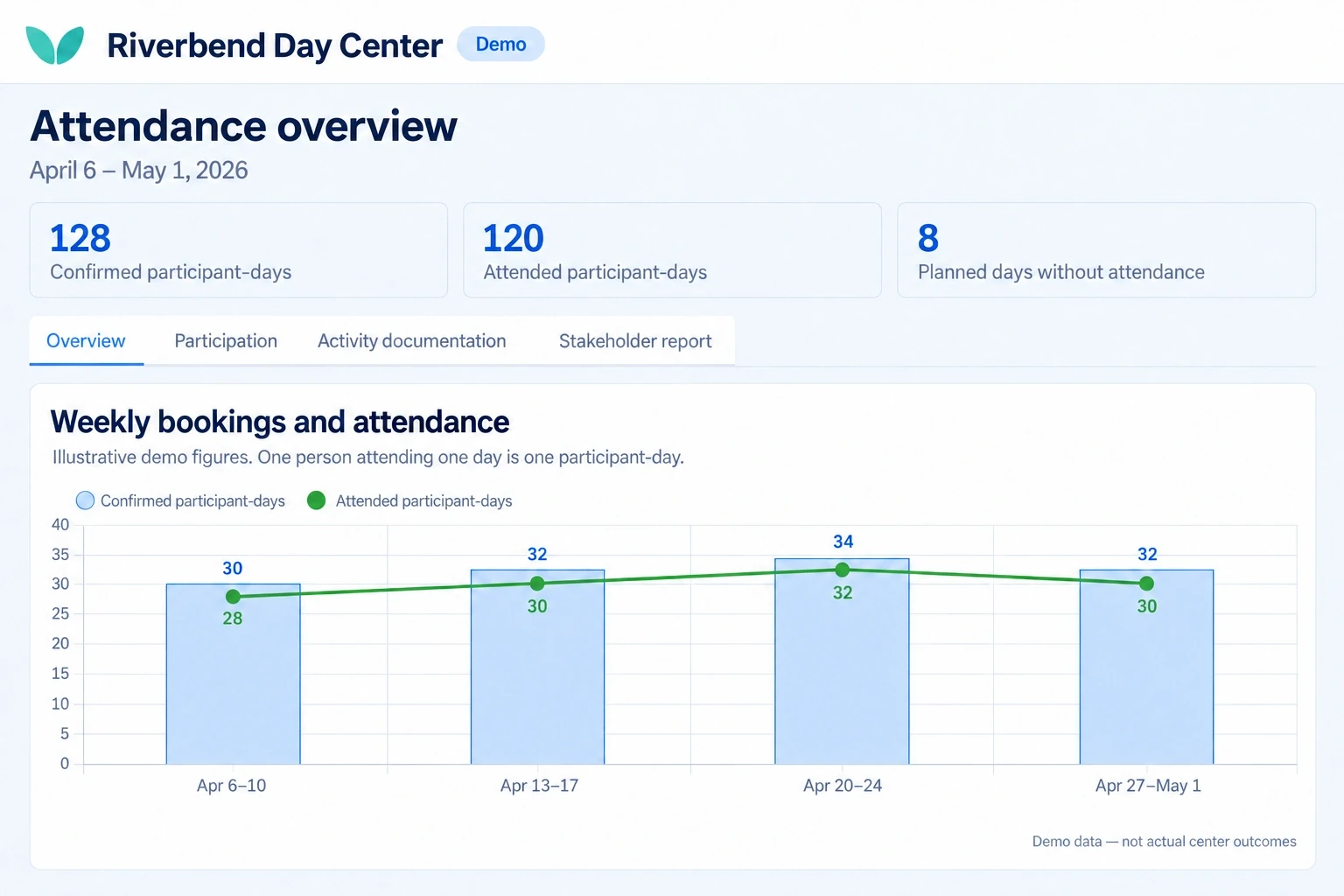
A day-center example: a team roster, a daily summary for families, and bookings and attendance. The people and information are fictional.
Make it yours
The people you serve already know your organization. Bring that familiar identity and your team’s knowledge into the experience, from a first public resource to ongoing support.
Start with your logo, colors, and words. Agree how your brand appears across the selected public resources, care app, and team workspace.
Bring the guidance, research, values, and resources that shape your work. Your reviewers help adapt and approve content for the people you serve.
Select the content, communication, meetings, and team workflows that fit your program. Confirm what is available, what needs configuration, and what needs additional work.
Support engagement
Start with what someone needs now: a clear answer, a conversation, an activity, or help taking the next step. Connect that support with the goals you share, rather than making every interaction another request for information.
carePhysics brings research-informed engagement principles into that work. Your team shapes the language, timing, and level of support, then listens to the people using it.
Connect a resource with a useful action, a conversation, a meeting, or support through the care app, using the options enabled for your program.
Consider available responses and participation alongside conversations, actions taken, and what people tell your team. Agree measures that fit the purpose of the program.
Use what you learn to improve a resource or workflow. genusAI can help prepare drafts in supported workflows; people review the work and decide what to share.
Plan your rollout
A preview gives your team something to explore. A live rollout needs an agreed scope, the right people involved, and time to validate how the work fits together.
Bring a care need, the people involved, and a workflow you want to make easier. We agree an initial scope for a branded preview using sample information.
Invite the staff and people who will use the experience to comment. Review the selected tools, your content, and any system connections with the responsible teams.
Agree configuration, integration work, access, staff training, support responsibilities, and a delivery schedule. Validate workflows and connections before introducing live health information.
A focused pilot gives your team a chance to review feedback and the measures agreed for your program. Use that learning to decide the next step.
The preview is complimentary. Implementation terms and pricing are agreed separately for your program. Ask for a written proposal covering setup, ongoing costs, selected tools, configuration, integration work, training, and support.
Review content rights, permitted uses of information, data-return arrangements, and any licensing terms with the responsible teams. Confirm what is included and what would need a separate scope. A branded experience does not by itself define software ownership or contractual rights.
Your team brings knowledge of its services, the people it supports, and the resources it wants to share. Involve program staff, content reviewers, and the IT or security colleagues responsible for access and connected systems.
Together, we agree who operates the environment, administers access, reviews content, supports connections, and responds to incidents. Retention, backups, recovery expectations, and applicable agreements belong in that discussion. The schedule follows the agreed work and dependencies.
Your preview
Start with a 30-minute conversation about the people you serve and a useful place to begin. You do not need a finished brief. A standard branded preview follows within 24 hours of agreeing on the initial scope.
The preview uses sample people and information. Explore it with your team, ask questions, and decide whether to take the next step. Live rollout timing and implementation terms are agreed separately.
Partners and shared learning
Working together does not mean every partner has the same role or priorities. It means making room for the knowledge each person and organization brings.
Participants and caregivers tell us what is understandable, useful, missing, or difficult to use in daily life. Frontline teams help identify practical barriers, test workflows, and judge whether a change fits the work.
Community organizations bring local relationships, cultural context, and knowledge of the services people can actually reach. Researchers help frame questions, interpret evidence, and distinguish a promising idea from a supported conclusion.
Funders help programs explore community priorities and ask whether resources are reaching the people they are intended to serve. Technology partners bring specialist tools and experience, and help work through compatibility and integration requirements.
This is the approach we bring to improvement. It keeps feedback connected to decisions, and decisions connected to a check on what happened next.
Listen: ask participants, caregivers, and teams what is helping and where they are getting stuck.
Review: consider that feedback alongside relevant research, participation patterns, and the limits of the available information.
Agree priorities: decide with the partner which changes are useful, feasible, and consistent with its mission.
Improve: adapt the content, workflow, or tools. People review changes before putting them into use.
Check what changed: return to the people using the experience and the measures agreed for the program. Keep what helps and revisit what does not.
An illustrative example
In this illustrative example, several families tell a program team that a resource is hard to follow. Staff listen to the questions and review the wording, rather than assuming a low completion count means people are not interested.
The team agrees a revision with an author: simpler instructions, a more useful example and a clearer way to ask for help. People review the new version before using it. Staff then ask whether it is easier to understand and look at the available feedback.
The revised resource might be useful to another organization if its reuse is approved and it is adapted to that setting. The shared contribution is the resource and the lesson—not the private conversations or participant records behind it.
Shared learning does not mean shared access to private records. Working with another organization does not give it access to family conversations, participant information, or clinical records. Any information exchange needs an agreed purpose and appropriate permissions.
A lesson about clearer language, a more useful activity, or a simpler workflow can be discussed without sharing a person's private experience. What can be contributed or reused must be agreed with the people and organizations responsible for it.
genusAI can assist with supported drafting and summarization tasks. It does not turn partner participation into permission for automatic cross-partner AI training. People remain responsible for reviewing suggestions and deciding what to change.
Participation and feedback can suggest where an experience is working or where support is being missed. They do not, on their own, prove that a tool caused a better health outcome. We want those distinctions to be visible, not hidden in the small print.
carePhysics® provides a research-informed way to think about engagement and support. The next question is always how an idea fits the people, resources, and setting of a particular program.
You do not need to arrive with a finished proposal. Tell us about the people you serve, something you have learned, or a part of the work you would like to make easier. We can start the conversation there.